How to Choose the Perfect Email Address
Hey everyone! Let's be real for a second—trying to set up a new email address is usually a massive headache. You type in your first and last name, hit enter, and Google immediately tells you it's taken. So you add your birth year. Taken. You add a random string of numbers, and suddenly your professional resume email looks like johndoe984723@gmail.com. Not exactly a great first impression for a hiring manager.
Your email address is your digital handshake. If you are applying for corporate jobs, you need a Professional format that is easy to read over the phone and simple to type. If you are a freelancer, a Creative address (like hello.johndoe@) instantly makes you look like an established brand. And if you're just signing up for newsletters and want to avoid spam, you absolutely need a cryptic Burner address. If you're struggling to manage multiple inboxes or dealing with naming constraints, read this quick guide on creating and managing accounts effectively.
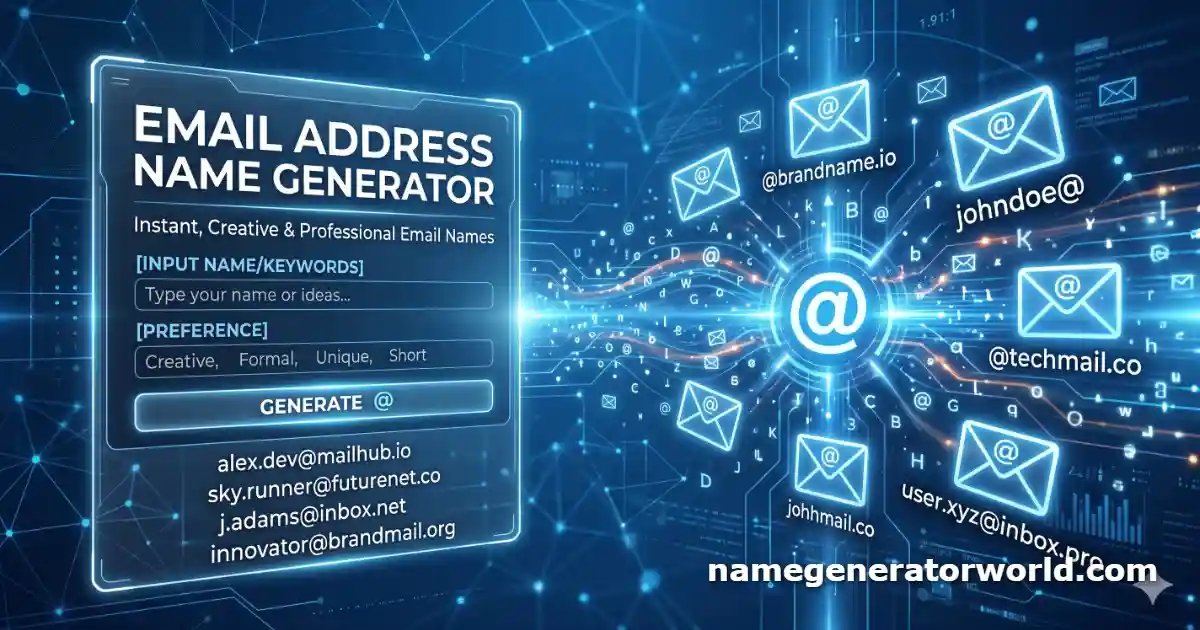
I built this tool to do the brainstorming for you. By mixing dots, underscores, creative prefixes, and your custom inputs, our algorithm generates 100 clean, premium variations. Just pick your favorite, copy it, and go secure that inbox before someone else does!
Frequently Asked Questions (FAQs)
What is the best format for a professional email?
For resumes and corporate networking, clarity is king. The gold standard formats are first.last@domain.com, firstinitial.lastname@domain.com, or firstlast@domain.com. Try to avoid using more than two numbers, as excessive digits can trigger spam filters or look unprofessional.
What should I do if my name is taken on Gmail?
If your exact name is taken, do not resort to long strings of numbers. Instead, use professional prefixes or middle initials. Adding "hello", "contact", or "mail" before your name (e.g., contact.janesmith@) is a highly modern and professional workaround that usually guarantees an available handle.
Complete Your Digital Identity
Once you've secured the perfect email address, it's time to build out the rest of your online presence! Check out our other highly-rated naming tools to brand yourself across the web:
- 💻 saas name generator: Launching a startup with your new email? Generate sleek, modern, and brandable tech company names.
- 🎨 artist name generator: Are you a creative freelancer? Find the perfect stage presence, pen name, or design alias.
- 🎮 xbox profile name generator: Setting up a new gaming account? Generate aesthetic and sweaty profile names for Discord and Xbox.
- 📝 middle name generator: Use your middle initial to get a better email address! Find the perfect rhythmic middle name here.
- 💼 private practice name generator: Opening a clinic or consulting business? Generate trustworthy and professional business names.
- 💘 online dating name generator: Setting up a Tinder or Bumble profile? Generate funny and aesthetic usernames to get more matches.
- 🎤 ai rap name generator: Dropping a mixtape? Discover your hard-hitting, underground hip-hop alter ego.